

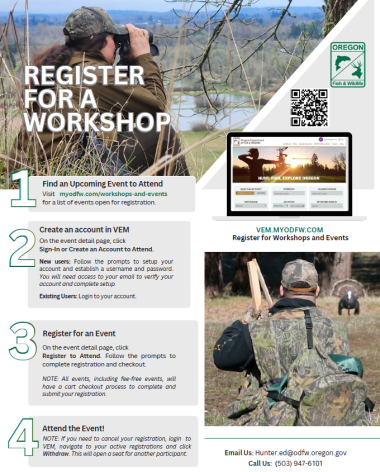
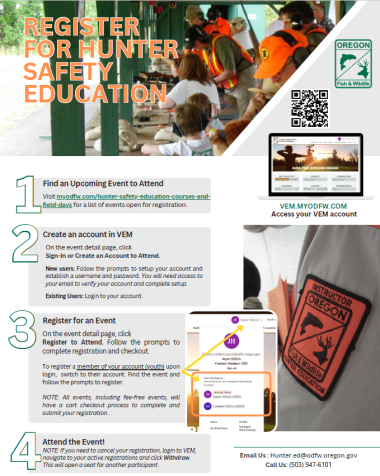
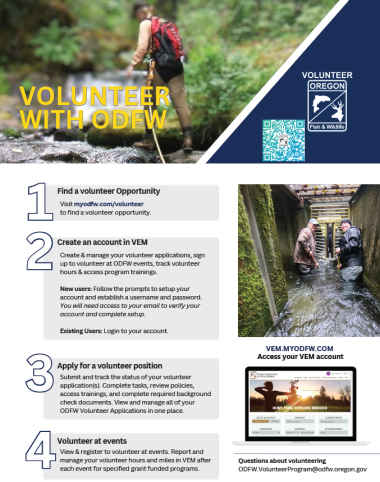
How to: Create Your VEM Account
Individuals age 13 and older
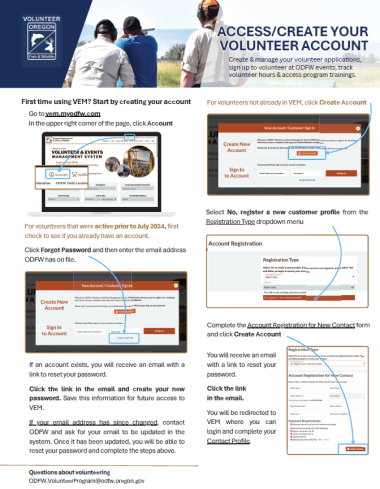
1. Navigate to VEM.myodfw.com and click Account.
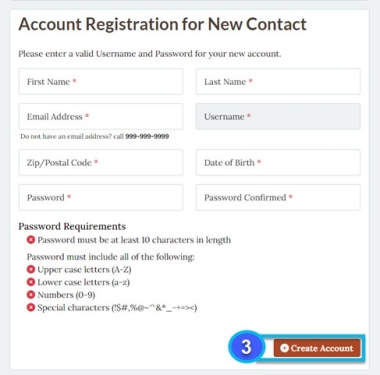
2. Click Create Account.

3. Follow the prompts to setup your account and establish a username and password.
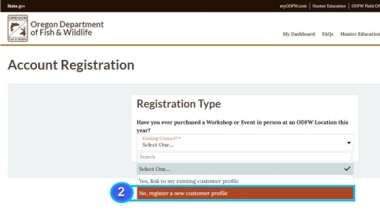
You will need to use a unique email address to create your account.
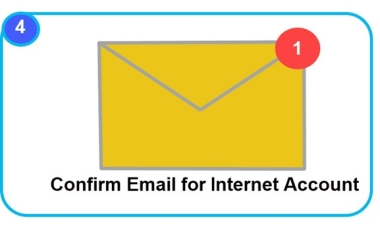
Once you create your account, a verification link will be automatically emailed to you. Click the link provided to verify your email and activate your account.
- *Note: Your verification link is only valid for only 15 minutes before it expires. If it has expired, you'll need to go to the account login page and click Forgot Password, which will email you a link to set a new password and log you in.
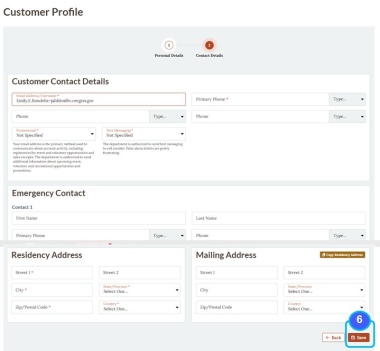
4. When you log in for the first time, you will be prompted to complete your account profile, enter valid contact information, including all required (*) fields.

Create a Managed Account for Youth 12 and under
Children 12 and under must have a parent or legal guardian create their account within the guardian's own VEM account (managed account). This ensures all necessary disclosures and policies are acknowledged. Guardians can choose whether to allow their child direct access to their own account.
How to: Create a Managed Account for Youth, Family and Friends in VEM
If you're 18 or older with an active Volunteer Event Management (VEM) account, you can create and manage additional accounts for youth, family and friends through a feature called Managed Relationships. When you create an account for someone else, you become their Leader, allowing you to:
Register them for ODFW workshops and events
Update their profile information
Receive activity notifications
Purchase items for multiple people in the cart
Members who are 18 or older can unlink from their Leader at any time and take full control of their own account.
Create an Account for Youth, Family or Friends
Login to your active VEM account and click your NAME at the top of the page to access your menu
Click Managed Relationships, then click +Create a New Managed Relationship
Complete all required fields and click Next
***Youth accounts for 12 and younger***
a. Review and attest to the Children's Online Privacy Policy Act (COPPA) consent.
b. Enter a valid mailing address and click Next.
If you would like to allow this youth to have their own login credentials and be able to make changes to their account, click the checkbox under Allow this user to have their own login?
Checked Box = Yes: Authorizes the youth to have their own login. While optional, providing a unique email address for the youth is encouraged, as it is how ODFW communicates with individuals regarding details for workshops, events and volunteer opportunities. This email address cannot be the same as yours or another account user.
If the youth does not have a unique email address, you will need to create a username and password for them to use to login to their account.
Unchecked Box = No: Your youth will not be able to access their own account. Account changes will need to be made by you, the parent/guardian.
Continue following the prompts to complete the account setup and click Submit.
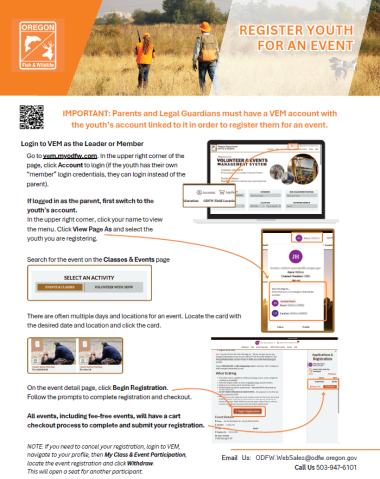
To perform actions in VEM on behalf of a managed relationship, login to your account, click on your profile icon and select the "View this page as..." before completing any actions such as event registration or volunteer onboarding.
How to: Access or Create a Volunteer Account in VEM
Additional Resources
- Contact ODFW License Services with questions and more information by email ODFW.WebSales@odfw.oregon.gov or call (503) 947-6101 and a Licensed Agent will guide you step by step through VEM over the phone.
Technical Help Desk
Call: (855) 686-1055
Email: odfw-help@payitgov.com
Monday - Friday, 7am - 6pm PST (except Federal holidays)
